

BeginnerArduino
PIR Motion Indicator
Detect movement with an HC-SR501 and turn on an LED while monitoring the sensor output.
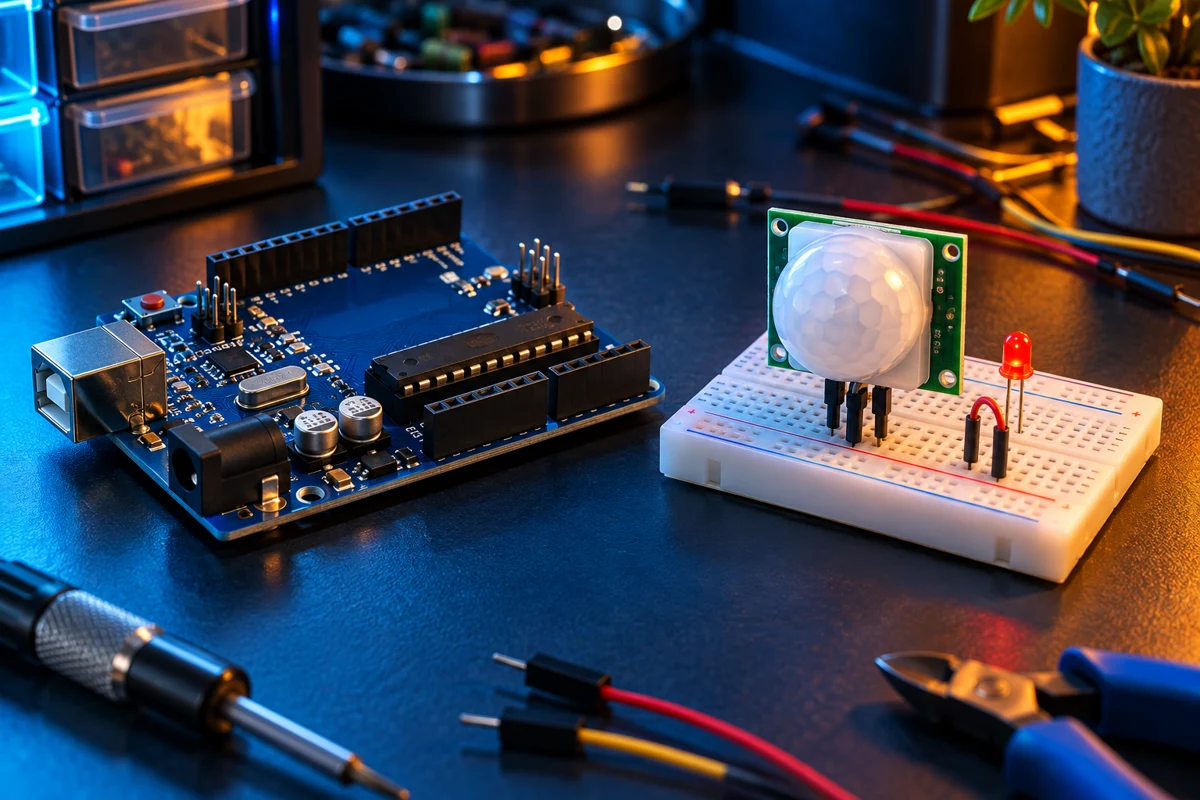
Steps
Identify the module pins
Read the markings on your HC-SR501 PCB: pin order can vary. With USB disconnected, connect VCC to UNO 5V, GND to GND and OUT to D2.
Add an indicator
Connect D8 through a 220 ohm resistor to the red LED anode and connect its cathode to GND.
Upload and allow warm-up
Upload the sketch and open Serial Monitor at 9600 baud. Keep the area still for at least 60 seconds while the PIR settles.
Test the detection
Move across the sensor field of view. The LED lights while OUT is HIGH. Adjust the module sensitivity and hold-time controls gently. The sensor detects changes in infrared energy; it cannot prove someone is still present.
Code
const byte PIR = 2, LED = 8;
void setup() {
  pinMode(PIR, INPUT); pinMode(LED, OUTPUT); digitalWrite(LED, LOW);
  Serial.begin(9600); Serial.println("PIR warming up: keep still for 60 seconds");
  delay(60000);
}
void loop() {
  bool detected = digitalRead(PIR) == HIGH;
  digitalWrite(LED, detected ? HIGH : LOW);
  Serial.println(detected ? "Motion output HIGH" : "Motion output LOW");
  delay(250);
}
Notes. This is a learning indicator, not a security alarm. PIR output timing depends on its jumper mode and potentiometers. Cover images are illustrative.