

SG90 Servo Sweep
Move a micro servo through a controlled range and learn signal wiring and separate power.
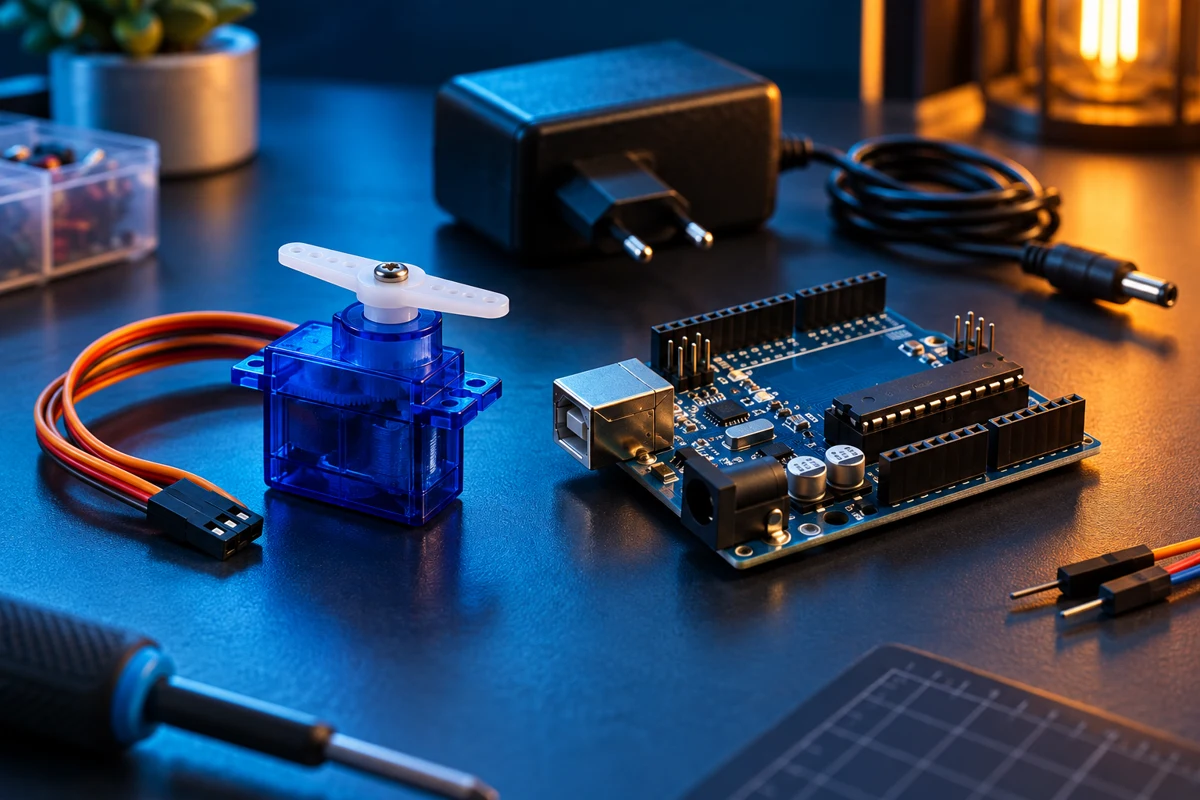
Steps
Prepare a separate supply
Use a regulated 5V supply rated at least 1A for one unloaded SG90. The supply and suitable terminal adapter are additional items, outside the cart parts list. Disconnect power before wiring.
Wire the servo
Typical SG90 colours: brown GND, red +5V, orange signal. Confirm your unit markings. Connect signal to UNO D9, servo red to external +5V, and servo brown to external GND. Connect external GND to UNO GND. Do not connect external +5V to the UNO 5V pin while USB is connected.
Install and upload
Install the official Arduino Servo library using Library Manager if needed. Upload with UNO on USB. Keep the horn clear of fingers and cables.
Test unloaded
The horn sweeps between 20 and 160 degrees. If it buzzes, stalls or hits a mechanical stop, disconnect power and narrow the range. Attach the horn only after checking the neutral position.
Code
#include <Servo.h>
Servo arm;
void setup() { arm.attach(9); arm.write(90); delay(1000); }
void loop() {
  for (int angle = 20; angle <= 160; angle++) { arm.write(angle); delay(20); }
  for (int angle = 160; angle >= 20; angle--) { arm.write(angle); delay(20); }
}